# Adding Button Links

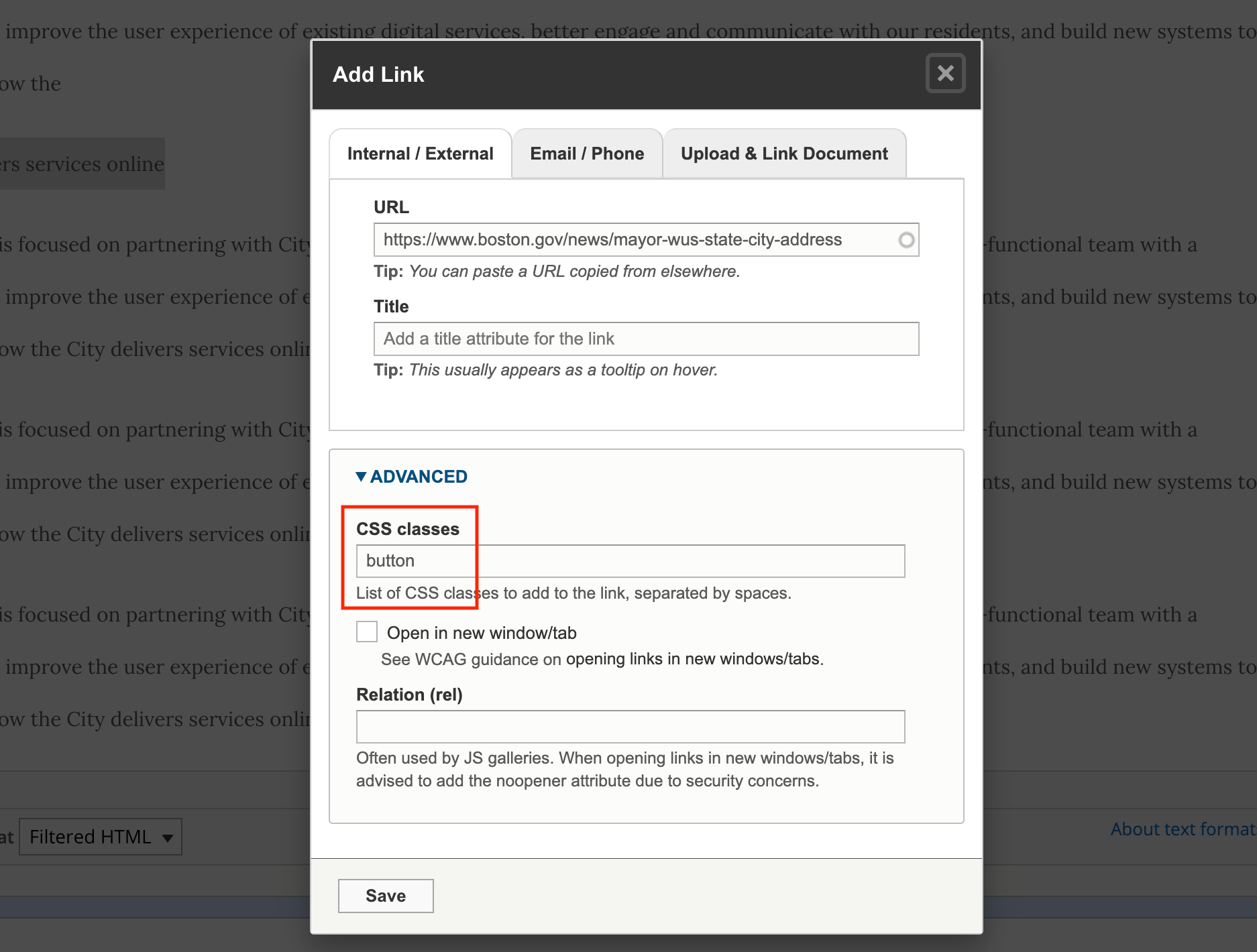
<figure><img src="https://4105614383-files.gitbook.io/~/files/v0/b/gitbook-x-prod.appspot.com/o/spaces%2FeAIziGcukClBxGnF4mZh%2Fuploads%2FfB0m262b0dkyfzBbMAxn%2Fimage.png?alt=media&#x26;token=83f60a0b-0db8-4a8d-bb06-3d136da40e0c" alt=""><figcaption></figcaption></figure>

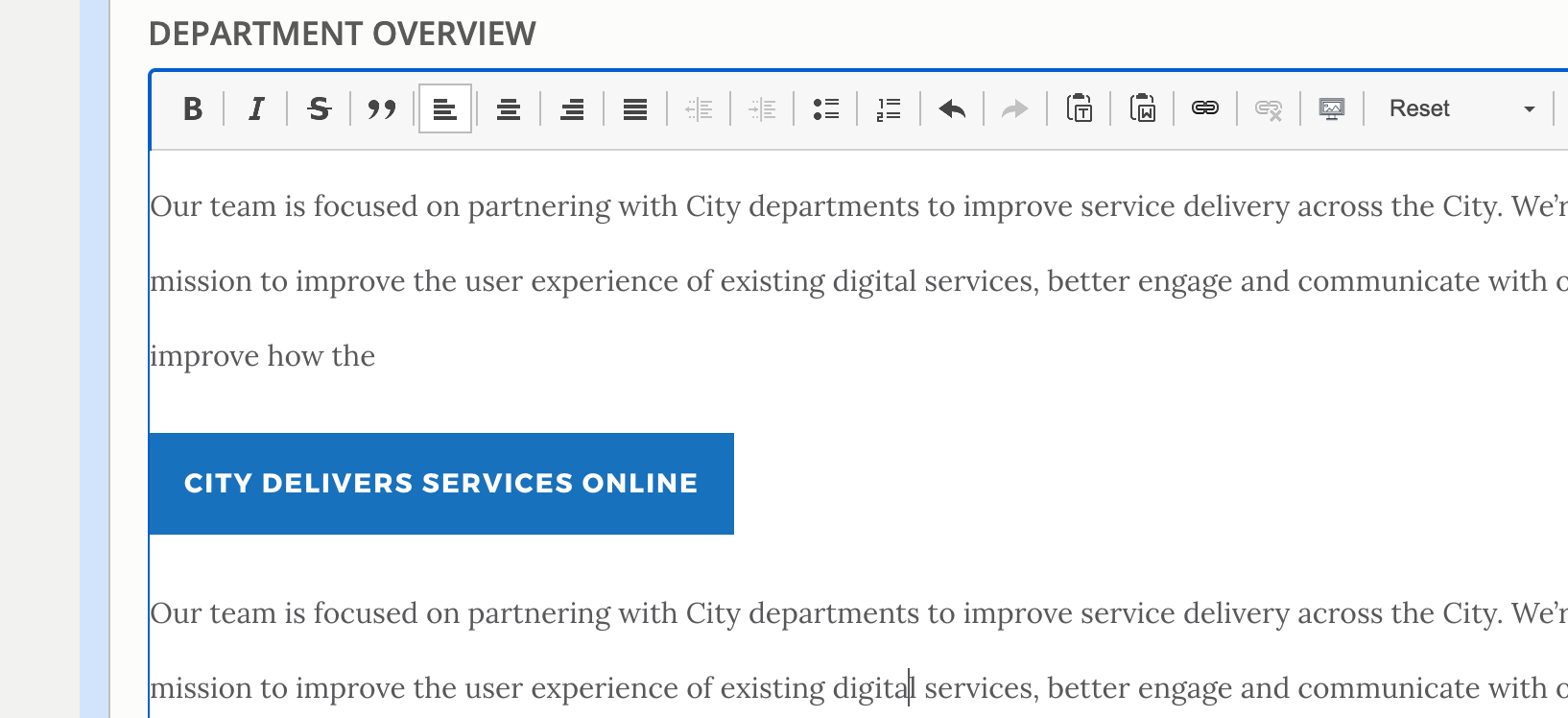
Once you save, you'll get a button link:

<figure><img src="https://4105614383-files.gitbook.io/~/files/v0/b/gitbook-x-prod.appspot.com/o/spaces%2FeAIziGcukClBxGnF4mZh%2Fuploads%2Fsp3P5uvMGrM5luLeWfd5%2Fimage.png?alt=media&#x26;token=14474e86-32c5-43a2-9a28-81ae4d48ce4e" alt=""><figcaption></figcaption></figure>

**Additional Note**

If you'd like to make a button link for a document, you'll need to first add the document as a regular link. Once added you can then re-open the link menu to populate the advanced CSS field, don't forget to click on the URL that is populated in the URL field and select the dropdown that appears.&#x20;

*Have feedback for this page?* [*Let us know*](https://docs.google.com/forms/d/e/1FAIpQLSflSNS02JppCCkZCILnH4aIPY9IsgELgZ09-M690W-D-6ku9g/viewform)*!*